/
/

Reading Mode
Clean editorial style with drop caps, pull quotes, and refined typography
Unlocking the Power of MakerWorld with Your Bambu Lab Printer. Elevate Your 3D Printing Game with Seamless Tools and Community Support from Bambu Lab and MakerWorld.
If you’re diving into the world of 3D printing with a Bambu Lab printer—like the X1 Carbon—you’ve probably heard whispers about MakerWorld. But what makes this platform stand out?
MakerWorld is more than just a repository for 3D print files; it’s a dynamic ecosystem designed to make your printing journey smoother, faster, and more personalized.
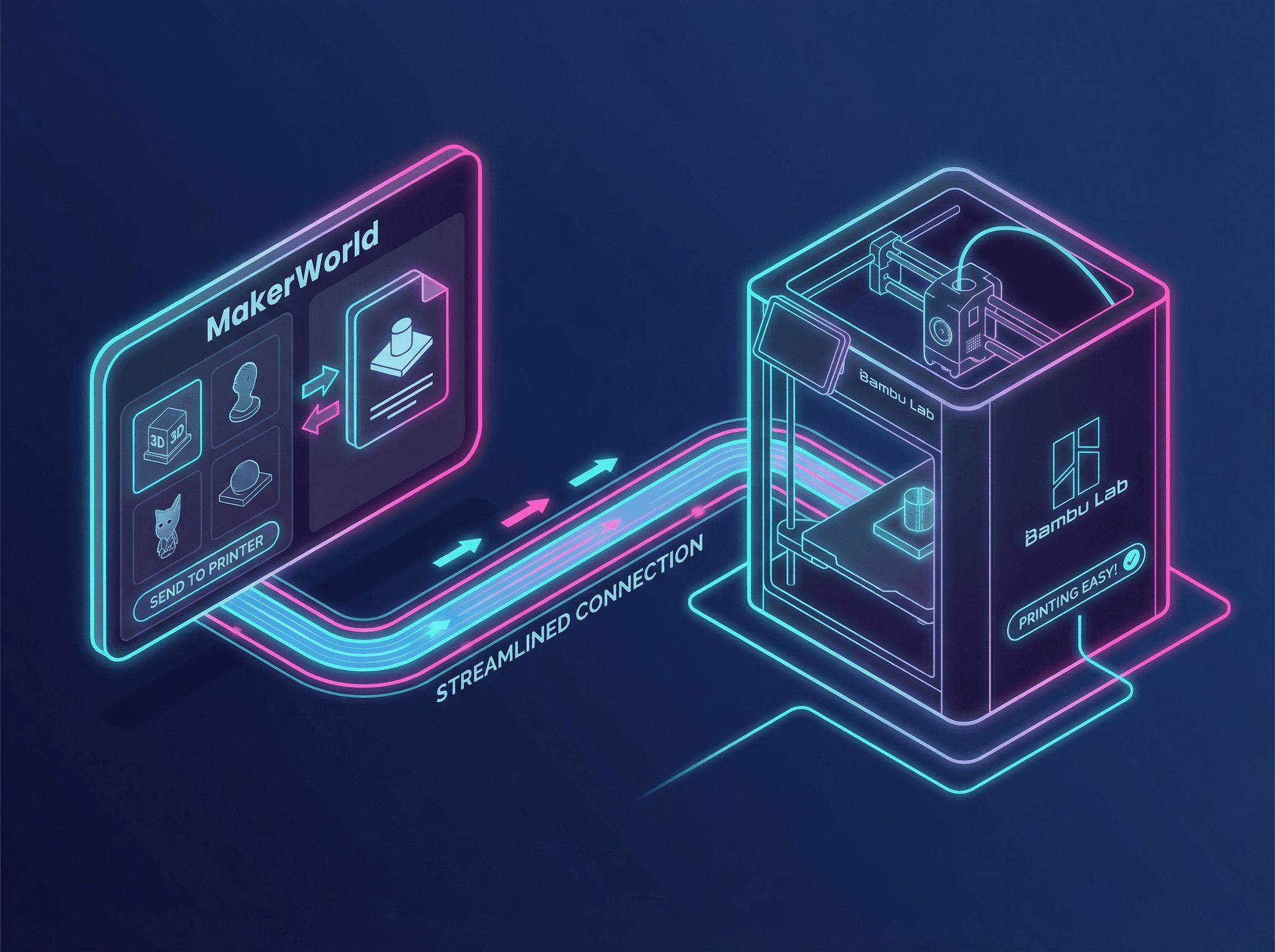
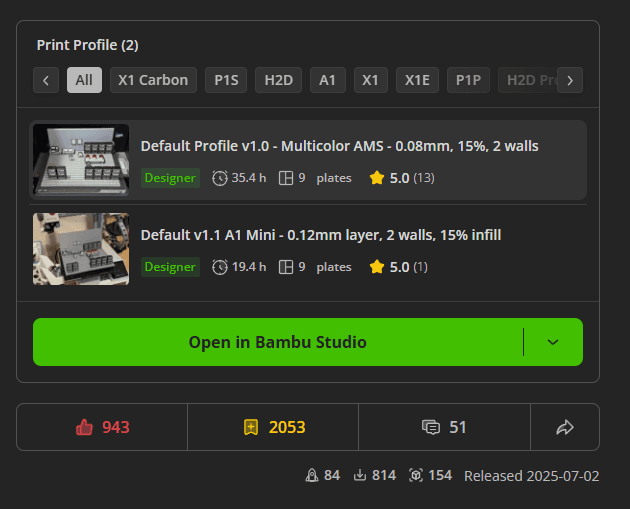
MakerWorld takes the guesswork out of 3D printing by providing not just STL files, but also designer-curated Print Profiles (3MF). These profiles include slicer-specific settings that ensure your prints are optimized from the get-go.
Many of the Designer profiles are going to be the profiles you want to use, while others are usually alternates, provided by the author or other users. No more trial and error—just plug, print, and enjoy.
3MF files from MakerWorld generally work best in Bambu Studio only if they were created there. If you’re unsure, test with a sample file to confirm compatibility before printing.
3D printing thrives on creativity and collaboration. MakerWorld’s support for Remix Culture allows users to upload and share remixed Print Profiles.
This means you can benefit from a community of designers constantly improving and innovating on original files—saving you time and maximizing print quality.
Be sure to always look at the other print profiles in a project, being aware of who the designer is and what is different from the Designer profile.
MakerWorld encourages user engagement with features like:
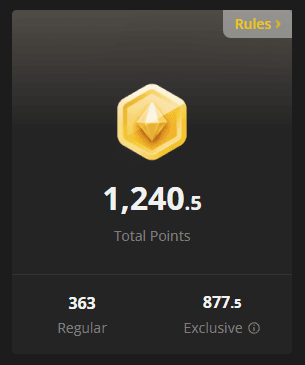
Complete successful prints using MakerWorld and your Bambu Lab printer to earn Boost Tokens. Designers can receive gift cards or MakerReward points, fostering a vibrant and supportive community. Use those MakerRewards to cash out on Bambu Lab gift cards, discount coupons and more!
Pairing MakerWorld with your Bambu Lab 3D printer unlocks a full spectrum of possibilities, as well as optimizations in the Slicer software just for Bambu Lab printers.
The Bambu Handy app is there for on the go printing, remote access and viewing of your printers and much more! Printing from the app does have limitations compared to using the desktop. I recommend using the Bambu Handy app for press-and-go prints that don't require modifications; then moving to Bambu Studio for the other prints.
Bambu Studio is a Bambu Lab port of the Orca slicer. Brining Bambu Lab printer specific optimizations, feature access and MakerWorld, MakerLab and other intergrations.
The seamless integration of design files, optimized settings and enhancements means you can focus more on creating—and less on troubleshooting. It's updated frequently and offers a Beta channel if you are feeling adventurous.
3D printing is about innovation, creativity, and connection. We’d love to see what you’re creating! Share your projects with us here or on MakerWorld.
Have tips, tricks, or favorite designs? Let us know—your experience inspires others in the community.